
10 WhatsApp Automations Every Kenyan Business Should Have
If you run a business in Kenya, chances are that WhatsApp is already one of your main communication channels.
Customers use it to ask:
- How much is this?
- Do you have size 42?
- Where are you located?
- Do you deliver to Kitengela?
- Can I pay through M-Pesa?
- When will my order arrive?
- Do you still have this phone?
- Can you send me your catalogue?
At the beginning, answering these questions manually may be manageable.
But what happens when you receive 50, 100 or even hundreds of WhatsApp conversations every day?
You cannot be online all the time.
This is where WhatsApp automation becomes useful.
Automation allows your business to handle repetitive tasks automatically while your team focuses on customers and orders that actually need human attention.
The goal is not to make your business sound like a robot.
The goal is to make sure customers receive the right information at the right time.
Here are 10 WhatsApp automations every Kenyan business should consider.
What Is WhatsApp Automation?
WhatsApp automation means using software to automatically send messages or perform actions when a particular event happens.
For example:
Customer sends a message
↓
Automatic welcome message
↓
Customer asks about a product
↓
Product information is sent
↓
Customer places an order
↓
Order confirmation is sent
↓
Customer pays
↓
Payment confirmation is sent
↓
Order is dispatched
↓
Delivery notification is sent
The business does not need an employee to manually send every single message.
1. Welcome Message Automation
The first automation every WhatsApp business should consider is a welcome message.
When a new customer starts a conversation, they should immediately know that their message has been received.
For example:
Hi 👋 Welcome to ABC Fashion Kenya.
Thank you for contacting us.
We sell ladies' dresses, shoes, handbags and accessories.
Reply with:
1️⃣ Catalogue
2️⃣ Place an order
3️⃣ Delivery information
4️⃣ Talk to our team
This does two things.
First, it reassures the customer that they have reached the right business.
Second, it gives them a clear next step.
Why it matters
Without a welcome message, a customer may send:
"Hello"
and wait.
If nobody responds quickly, they may move to another seller.
A simple automated response keeps the conversation moving.
2. Product Enquiry Automation
How many times do customers ask the same questions?
- How much?
- Is it available?
- What sizes do you have?
- What colours are available?
- Where are you located?
- Do you deliver?
If your team answers these questions manually all day, they are spending valuable time repeating information.
A product enquiry automation can provide basic information immediately.
For example:
Ladies' Sneakers
Price: KSh 3,500
Available sizes: 38–42
Colours: White, Black and Pink
Delivery available within Nairobi and selected towns.
Would you like to place an order?
The customer gets useful information before an employee joins the conversation.
Important
Automation should not try to answer every possible question.
If the customer asks something complicated, the conversation should be handed over to a real person.
3. Order Confirmation Automation
Once a customer places an order, send an automatic confirmation.
For example:
Order Received ✅
Thank you for your order, Jane.
Order Number: #WA-1045
Product: Ladies' Dress
Size: 12
Colour: Black
Total: KSh 2,800
We will now process your order.
Thank you for shopping with us.
This eliminates uncertainty.
The customer knows:
- The order was received
- What they ordered
- How much they should pay
- Their order reference
It also creates a professional customer experience.
4. Payment Confirmation Automation
For Kenyan businesses, this can be one of the most useful automations.
Imagine a customer orders a product for KSh 4,500.
You send the M-Pesa payment instructions.
The customer pays.
Instead of waiting for an employee to manually respond, the system can trigger the next step when payment has been successfully confirmed.
For example:
Payment Received ✅
We have received your payment of KSh 4,500 for Order #WA-1045.
Your order is now being processed.
Thank you for shopping with us.
The exact automation depends on how your M-Pesa or payment integration is configured.
The important idea is:
Payment event → Order update → Customer notification
This becomes especially valuable when the number of daily orders increases.
5. Delivery Notification Automation
Customers do not like uncertainty after paying.
They want to know:
When will I receive my order?
You can automate delivery notifications based on the order status.
For example:
Order Processing
Your order #WA-1045 is being prepared.
Dispatched
Your order has been dispatched and is now with our delivery team.
Out for Delivery
Your order is on the way. Our rider will contact you shortly.
Delivered
Your order has been delivered. Thank you for shopping with us.
These small updates can make a big difference to the customer experience.
6. Abandoned Cart Automation
Not every customer who starts an order will complete it.
Someone may:
- Select a product
- Ask for the price
- Request delivery information
- Start the order
- Then disappear
This is an abandoned cart or abandoned order opportunity.
Instead of forgetting about the customer, you can send a polite reminder.
For example:
Hi Jane 👋
You were interested in the Black Ladies' Dress but didn't complete your order.
It's still available.
Would you like us to help you complete your order?
Notice the tone.
It should not sound aggressive.
Avoid:
"Why haven't you paid?"
A better approach is:
"Would you like us to help you complete your order?"
The customer may have been busy, lost internet connection, had a question or simply forgotten.
A reminder gives them an opportunity to continue.
7. Back-in-Stock Automation
A customer may ask for a product that is currently unavailable.
For example:
"Do you have size 42?"
You respond:
"Sorry, size 42 is currently out of stock."
That does not necessarily mean the customer is lost forever.
If the product becomes available again, you can notify interested customers.
For example:
Hi Jane 👋
Good news!
The sneakers you were looking for in size 42 are back in stock.
Would you like us to reserve a pair for you?
This is particularly useful for:
- Fashion businesses
- Shoe shops
- Electronics stores
- Phone accessories
- Beauty products
- Supermarkets
- Specialty retailers
Instead of waiting for customers to check again, you bring them back when the product is available.
8. Customer Follow-Up Automation
The relationship should not end when the customer receives the product.
After delivery, you can send a follow-up message.
For example:
Hi Jane 👋
We hope you received your order safely.
Thank you for shopping with us.
If you have any questions or need help, just reply to this message.
You can also ask for feedback.
For example:
How was your shopping experience with us?
This gives you an opportunity to identify problems and improve your service.
9. Birthday Message Automation
Your customers are people, not just order numbers.
If customers have voluntarily provided their birthday information and you have a legitimate reason to use it, you can create a birthday message.
For example:
🎉 Happy Birthday, Jane!
From everyone at ABC Fashion Kenya, we wish you a wonderful birthday.
Enjoy 10% off your next purchase this week.
Use code: BDAY10
This can make your business feel more personal.
But don't overdo it.
A birthday message should feel like a genuine customer relationship message rather than another advertisement.
10. Re-order Reminder Automation
Some products are purchased repeatedly.
Think about:
- Beauty products
- Hair products
- Pet food
- Groceries
- Cleaning products
- Office supplies
- Restaurant items
- Supplements
- Household products
If a customer normally purchases a product every month, you can send a reminder around the expected reorder period.
For example:
Hi Peter 👋
It's almost time for your usual monthly order.
Would you like us to prepare the same items for you again?
This is a simple way to encourage repeat business.
You are not starting the sales process from zero.
You are reminding an existing customer about something they already buy.
The 10 WhatsApp Automations at a Glance
AutomationTriggerWhat It DoesWelcomeCustomer starts conversationWelcomes the customerProduct enquiryCustomer asks about a productProvides product informationOrder confirmationOrder is createdConfirms the orderPayment confirmationPayment is confirmedConfirms paymentDelivery notificationOrder status changesUpdates customerAbandoned cartCustomer doesn't complete orderSends reminderBack-in-stockProduct becomes availableNotifies interested customerCustomer follow-upAfter deliveryChecks on customerBirthdayCustomer's birthdaySends personalised messageRe-order reminderExpected reorder dateEncourages repeat purchase
Don't Automate Everything
This is important.
Automation does not mean removing humans from your business.
Some conversations need a real person.
For example:
"I received the wrong phone."
That should not receive a generic automated response.
The customer needs human assistance.
The same applies to:
- Complaints
- Refunds
- Product defects
- Complex orders
- Negotiations
- Special requests
- Sensitive customer issues
A good WhatsApp automation system should know when to automate and when to bring in a human.
The Best WhatsApp Automation Is a Hybrid System
Think of your business as having two layers.
Automation handles:
- Greetings
- Basic enquiries
- Product information
- Order confirmations
- Payment notifications
- Delivery updates
- Reminders
- Follow-ups
Humans handle:
- Complex questions
- Complaints
- Negotiations
- Refunds
- Special requests
- High-value customers
- Problems requiring judgement
This gives you the best of both worlds.
Customers get fast responses without losing access to a real person.
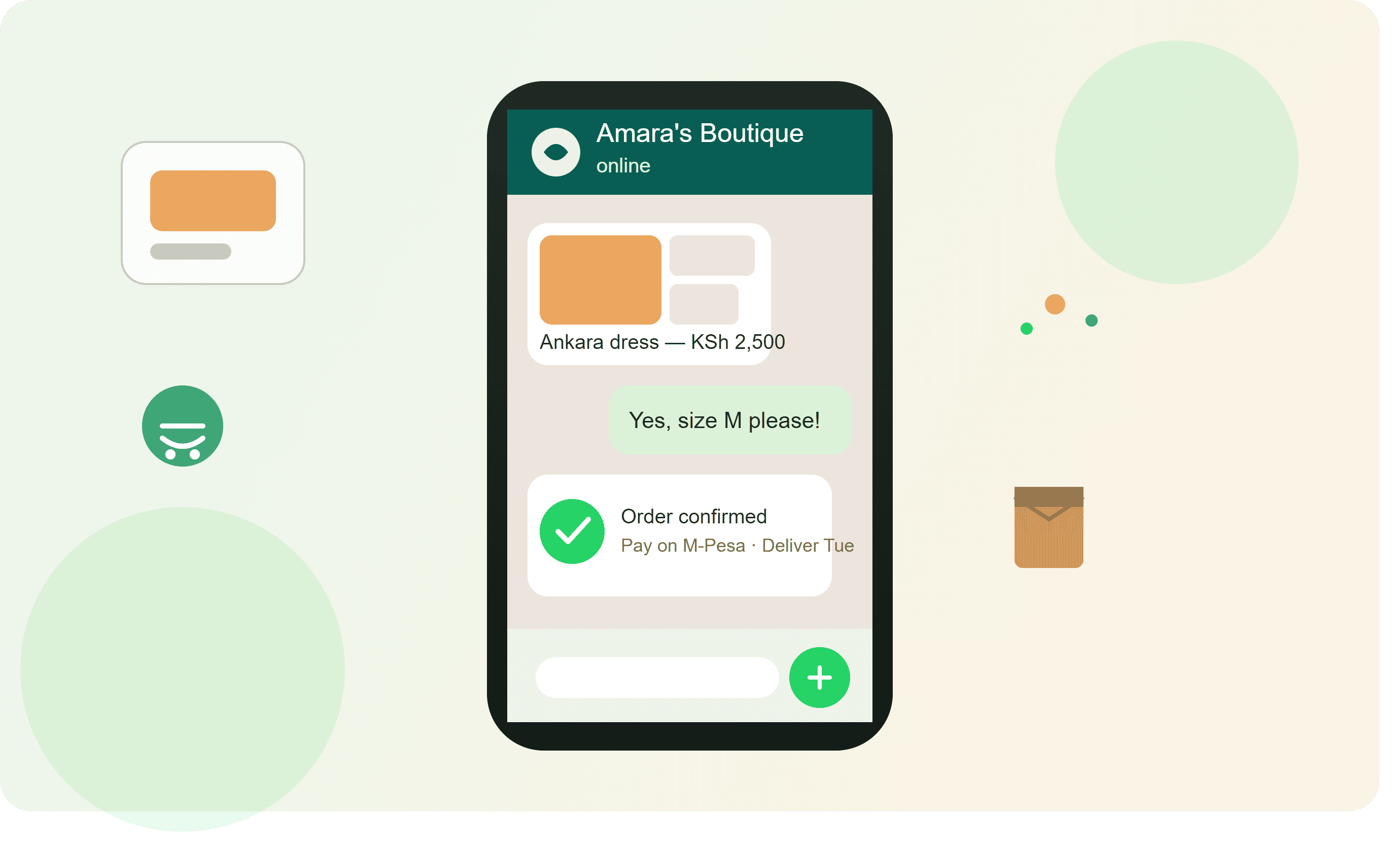
Example: WhatsApp Automation for a Kenyan Fashion Business
Let's put everything together.
Imagine a fashion shop in Nairobi.
A customer clicks the WhatsApp link from Instagram.
9:02 AM
Customer: Hi
Automation:
Hi 👋 Welcome to XYZ Fashion.
Reply:
- Catalogue
- New arrivals
- Place an order
- Talk to our team
9:05 AM
Customer selects a dress.
Automation:
This dress is KSh 2,500.
Available sizes: 8–14.
Available colours: Black, Red and Blue.
Would you like to order?
9:07 AM
Customer places the order.
Automation:
Order #WA-1050 received.
Total: KSh 2,800 including delivery.
9:08 AM
Customer pays.
Automation:
Payment received ✅
Your order is confirmed and is being prepared.
11:00 AM
Automation:
Your order has been dispatched.
2:00 PM
Automation:
Your order has been delivered. Thank you for shopping with XYZ Fashion.
Three days later
Automation:
Hi Jane 👋 We hope you loved your purchase. Thank you for choosing XYZ Fashion.
The business has provided a complete customer journey without requiring someone to manually type every message.
WhatsApp Automation for Other Kenyan Businesses
Automation is not only for online shops.
Restaurants
You can automate:
- Menu requests
- Opening hours
- Order confirmation
- Payment instructions
- Delivery updates
- Repeat orders
Salons and Barbers
You can automate:
- Service information
- Price enquiries
- Appointment reminders
- Booking confirmations
- Follow-ups
Real Estate
You can automate:
- Property enquiries
- Property details
- Viewing requests
- Location information
- Follow-ups
Schools
You can automate:
- General enquiries
- Application information
- Important reminders
- Event notifications
- Parent communication
Churches and NGOs
You can automate:
- Event reminders
- Registration confirmations
- Donation information
- Programme announcements
- Follow-ups
The automation should always match the type of organisation and the conversations customers or members actually have.
How to Start Automating Your WhatsApp Business
You don't need to automate everything on day one.
Start with the repetitive tasks that consume the most time.
Step 1: Identify repetitive questions
Look through your WhatsApp conversations.
Write down the questions you answer repeatedly.
For example:
- Price?
- Location?
- Do you deliver?
- How do I pay?
- What is your Till Number?
- Is this available?
- What time do you open?
These are your first automation opportunities.
Step 2: Create standard answers
Write short, clear responses for each question.
Step 3: Identify business events
Look at what happens after an order.
For example:
Order created
→ Payment requested
→ Payment confirmed
→ Order processed
→ Order dispatched
→ Order delivered
Step 4: Automate the repetitive parts
Don't automate everything at once.
Start with the most important workflows.
Step 5: Monitor the conversations
Check whether customers understand the automated messages.
If customers keep asking the same question after receiving an automated response, improve the message.
Step 6: Keep human support available
Make it easy for a customer to reach a real person.
What Makes a Good WhatsApp Automation?
A good automated message should be:
Short
Customers don't want to read an essay on WhatsApp.
Clear
Tell them exactly what they need to know.
Helpful
Give them the next step.
Natural
Write like a real business person.
Relevant
Only send information related to what the customer is doing.
Timely
Do not send a delivery message before the order has been dispatched.
Personal
Where appropriate, use the customer's name, order number or product information.
Avoid These WhatsApp Automation Mistakes
Sending too many messages
Nobody wants to receive 15 messages from a business after asking for one product.
Keep communication useful.
Making every message promotional
Not every interaction needs to contain an offer.
Sometimes the customer simply wants an answer.
Making automation difficult to escape
Always provide a way to speak to a human.
Sending irrelevant messages
A customer who bought shoes should not automatically receive unrelated messages every day.
Forgetting customer consent and WhatsApp rules
Businesses should follow applicable WhatsApp messaging policies and obtain the appropriate permissions before sending promotional or automated communications.
Using complicated language
Your customers should understand the message immediately.
Simple communication works.
WhatsApp Automation and Customer Retention
One of the biggest benefits of automation is not just saving time.
It can help you stay in touch with customers.
Think about the difference between these two businesses.
Business A
Customer buys.
Order is delivered.
Nothing else happens.
Business B
Customer buys.
Order is delivered.
Customer receives a follow-up.
Later, the business shares a relevant new product.
When the customer's usual product is due for replacement, they receive a reminder.
The second business has created a system for continuing the relationship.
That is where automation becomes more than just an efficiency tool.
It becomes part of the sales process.
How MyWhatsApp Can Help You Automate WhatsApp Sales
If you are managing a small number of conversations, manual WhatsApp Business tools may be enough.
But as your business grows, you may need a system that brings together:
- WhatsApp conversations
- Product catalogue
- Orders
- Customers
- Payments
- Notifications
- Follow-ups
- Automation
- Team members
MyWhatsApp is built around this type of WhatsApp-first business workflow.
Instead of asking your team to remember every customer, every order and every follow-up, you can create workflows that handle repetitive parts of the customer journey.
For a growing Kenyan business, the idea is simple:
Let automation handle the repetitive work. Let your team handle the customers who need people.
A Simple WhatsApp Automation Plan
If you are starting from scratch, don't try to build 20 workflows immediately.
Start with these five:
1. Welcome message
Customer starts conversation → automatic greeting.
2. Product enquiry
Customer asks about product → product information.
3. Order confirmation
Customer places order → order confirmation.
4. Payment confirmation
Payment received → payment confirmation.
5. Delivery notification
Order dispatched → delivery update.
Once these are working properly, add:
6. Abandoned cart
7. Back-in-stock
8. Customer follow-up
9. Birthday messages
10. Re-order reminders
Build gradually.
Final Thoughts
WhatsApp automation is not about replacing customer service.
It is about removing repetitive work.
A Kenyan business should not need an employee to type the same welcome message 100 times.
The same applies to order confirmations, payment notifications and delivery updates.
Automate the predictable parts of the customer journey.
Keep humans involved where customers need help, advice or a personal response.
The ideal WhatsApp sales process looks like this:
Customer discovers your business
↓
Starts a WhatsApp conversation
↓
Gets immediate assistance
↓
Views products
↓
Places an order
↓
Receives payment instructions
↓
Payment is confirmed
↓
Order is processed
↓
Delivery updates are sent
↓
Customer receives follow-up
↓
Customer returns for another purchase
That is the real value of WhatsApp automation.
It is not simply about sending automatic messages.
It is about building a better system for selling, serving and retaining customers.
If you are ready to move from manually managing every WhatsApp conversation to a more organised automated sales process, explore MyWhatsApp.